Scan it.
Understand it.
Stay on track.
Pip turns paper and digital receipts into item-level spending records. Organize purchases into wallets, set budgets, and compare currencies — while your receipt photos stay on your own devices.

What Pip does
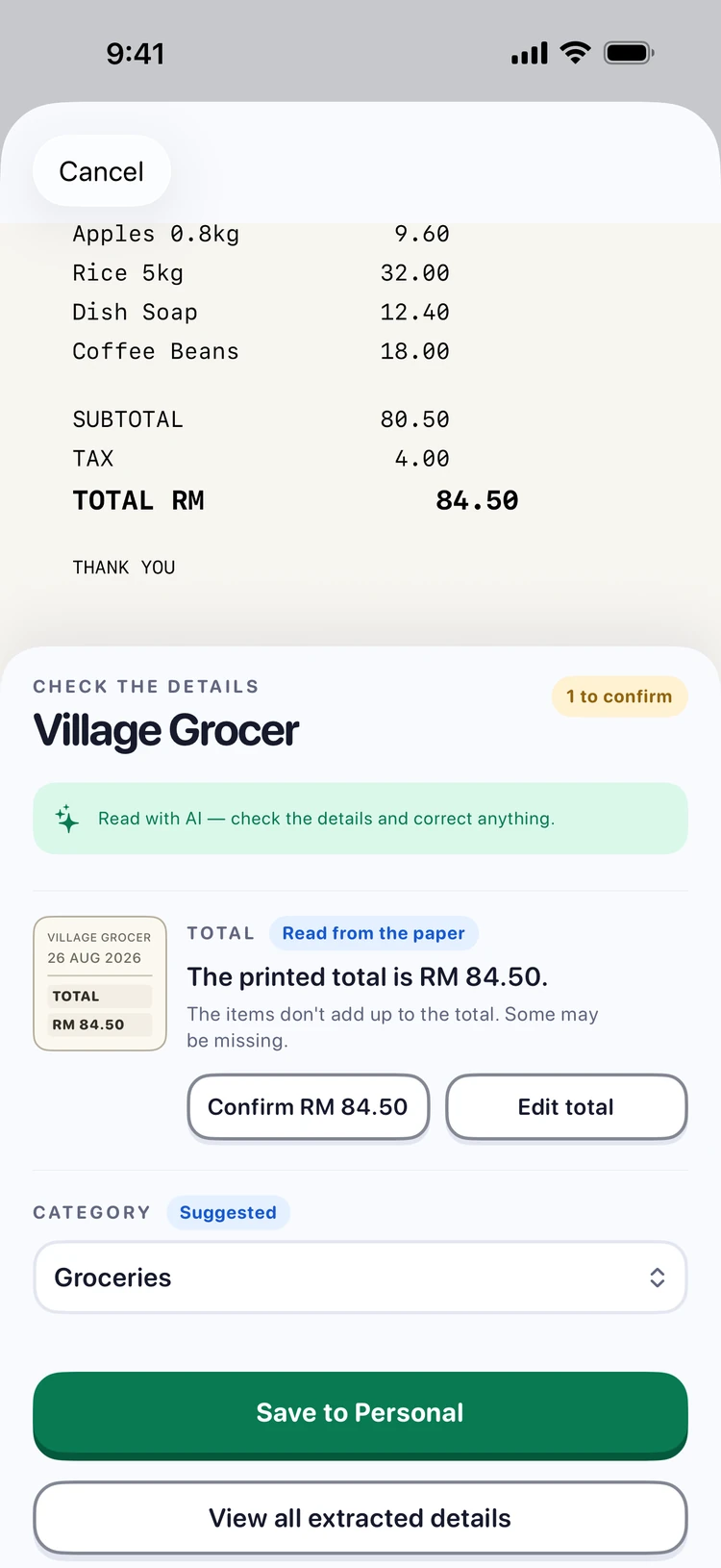
Most scanners archive a photo and stop there. Pip reads the receipt, checks its own arithmetic, and shows you what it is unsure about.
Reads on your device
Text recognition runs on your iPhone using Apple's Vision framework. The photo does not need to travel anywhere to be read.
Item by item
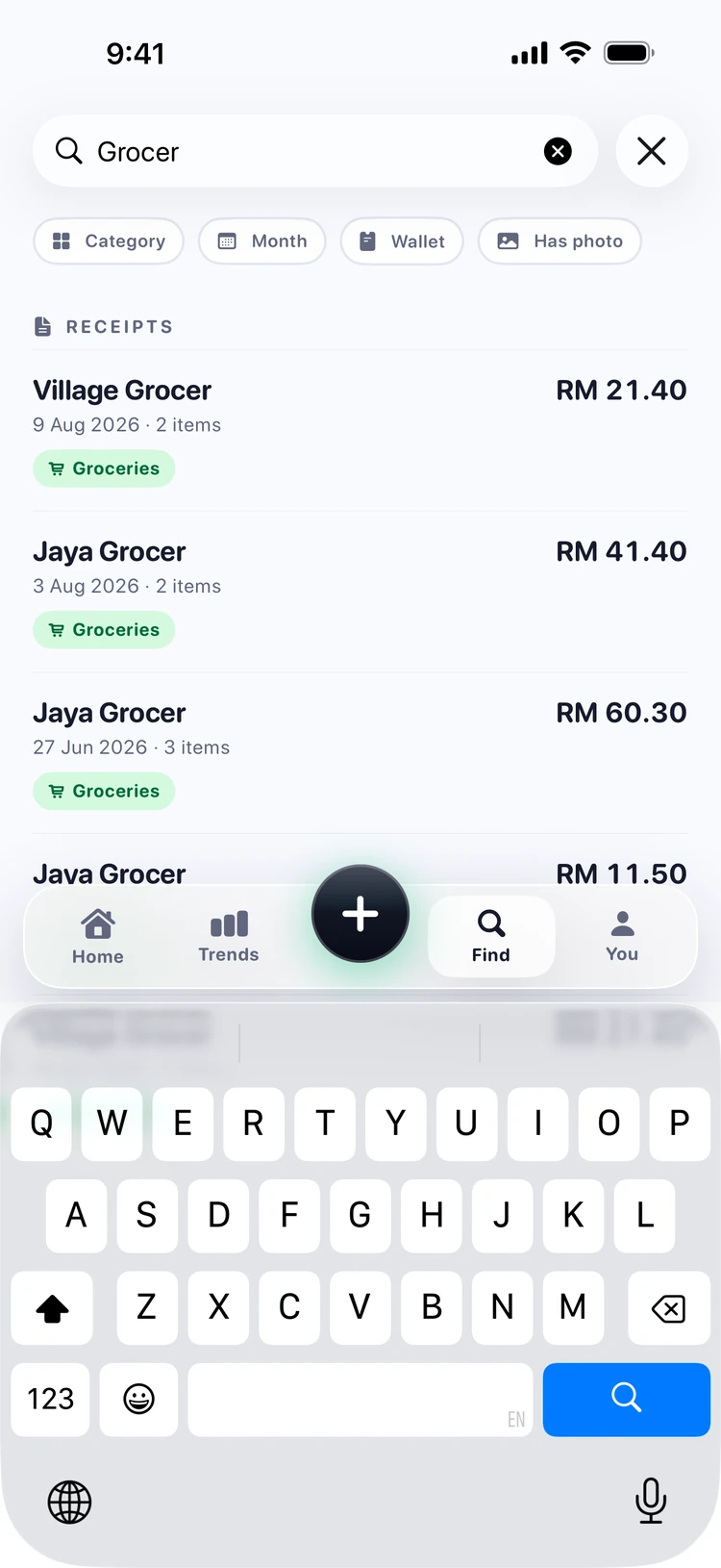
Not just a total — every line on the receipt, so you can search for what you actually bought months later.
Honest currency
A receipt from last March is converted at last March's official rate, not today's. The original amount is always kept.
Flags its doubts
When the maths does not add up or a figure is unclear, Pip says so and asks. You review every scan before it is saved.
Cash, from your wrist
The spending that never prints a receipt — a stall, a parking meter. Turn the Digital Crown, tap a category, and it is in your ledger. One hand, no keyboard, no phone.
See it, not just read about it
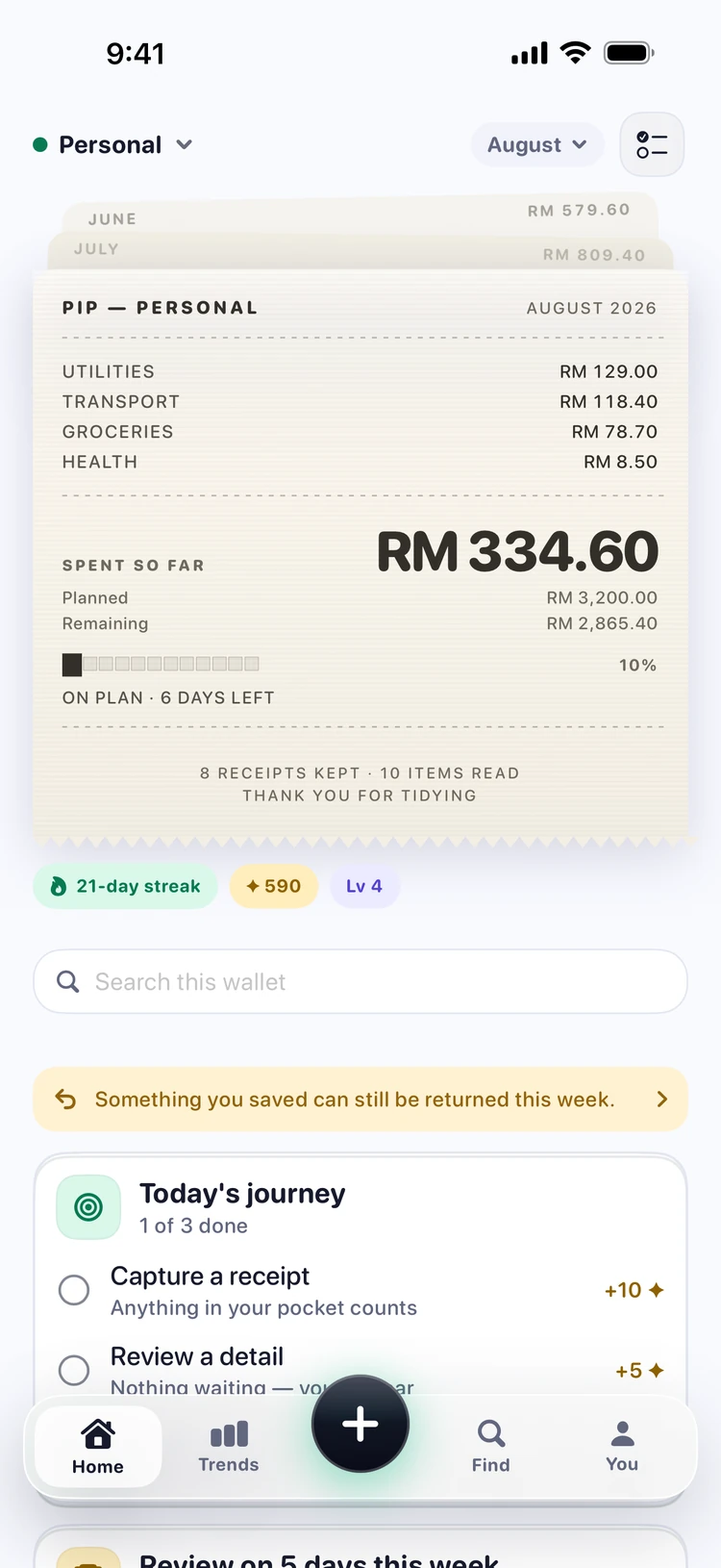
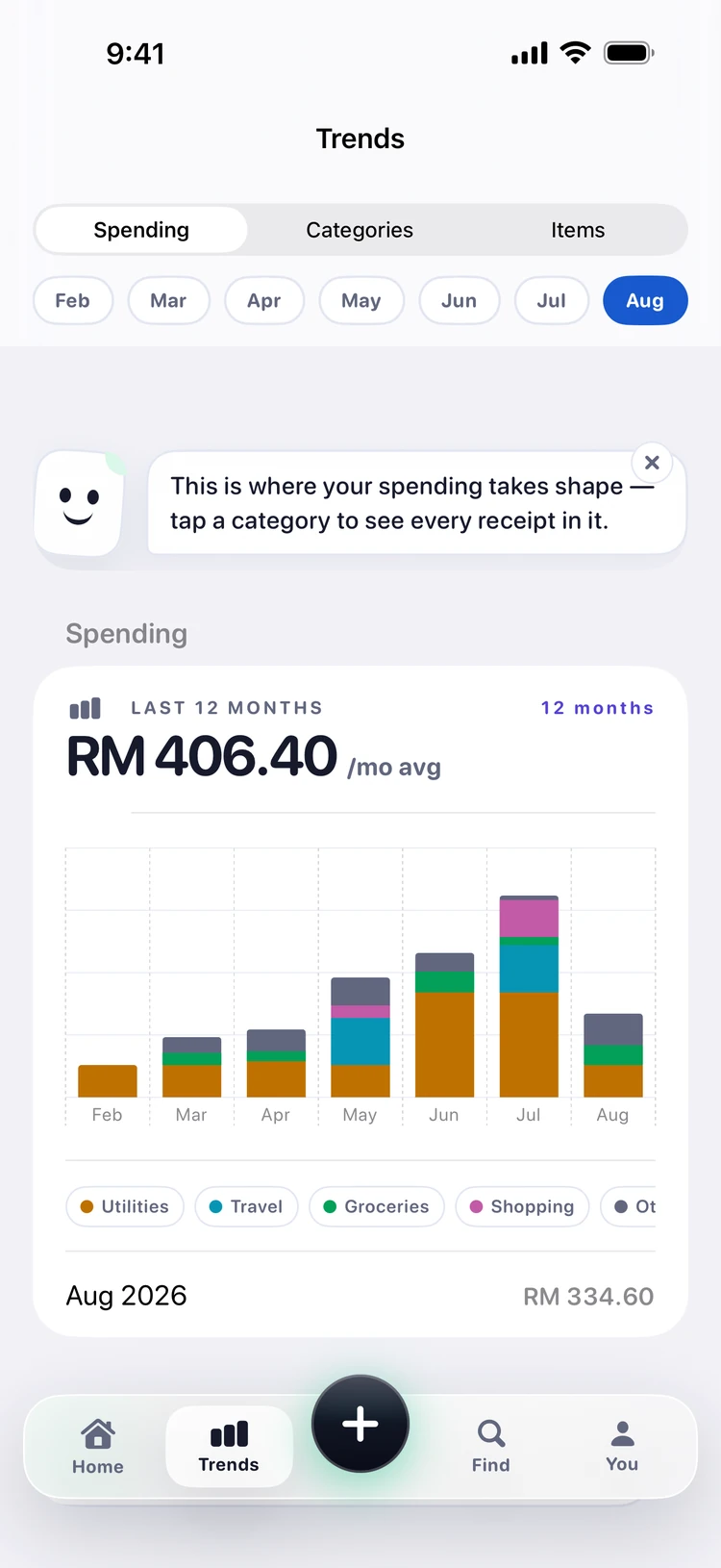
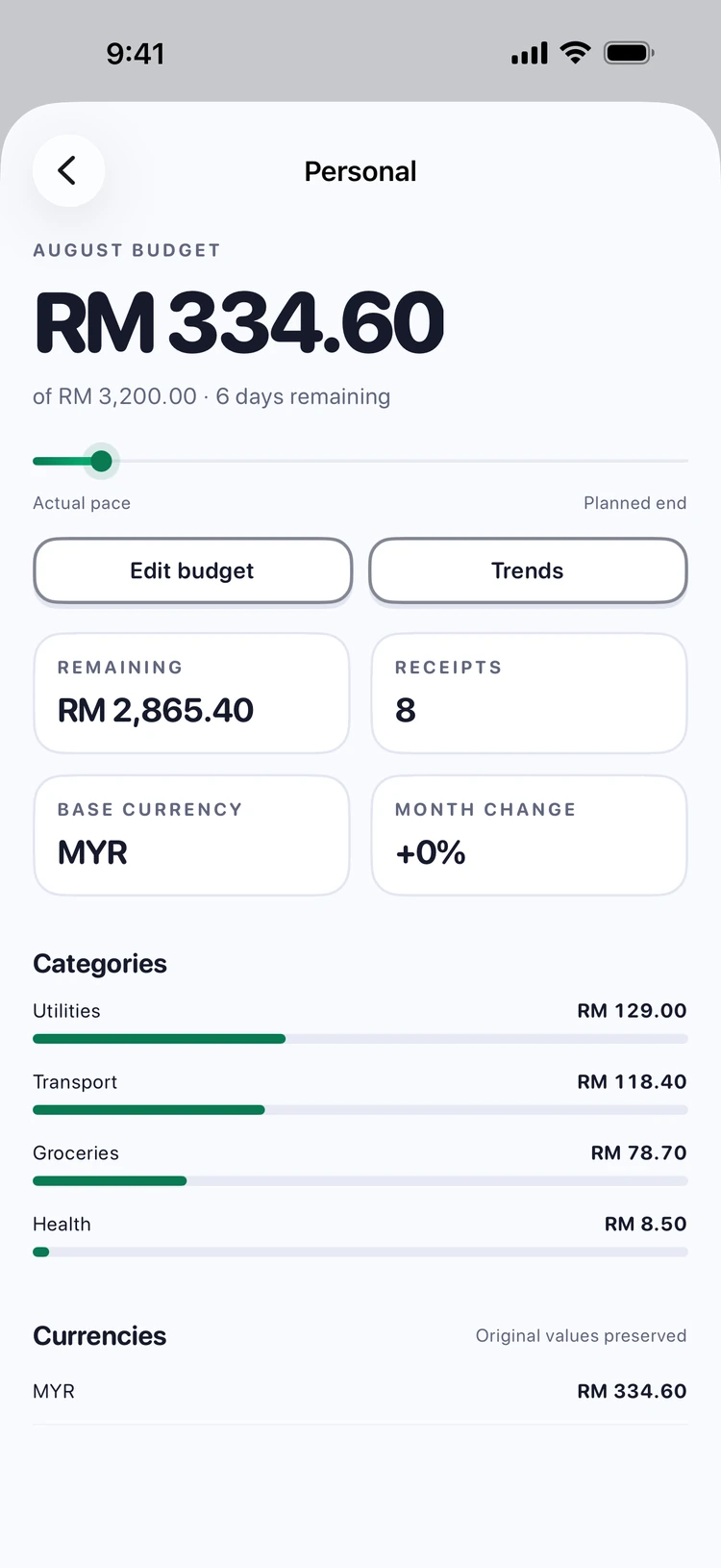
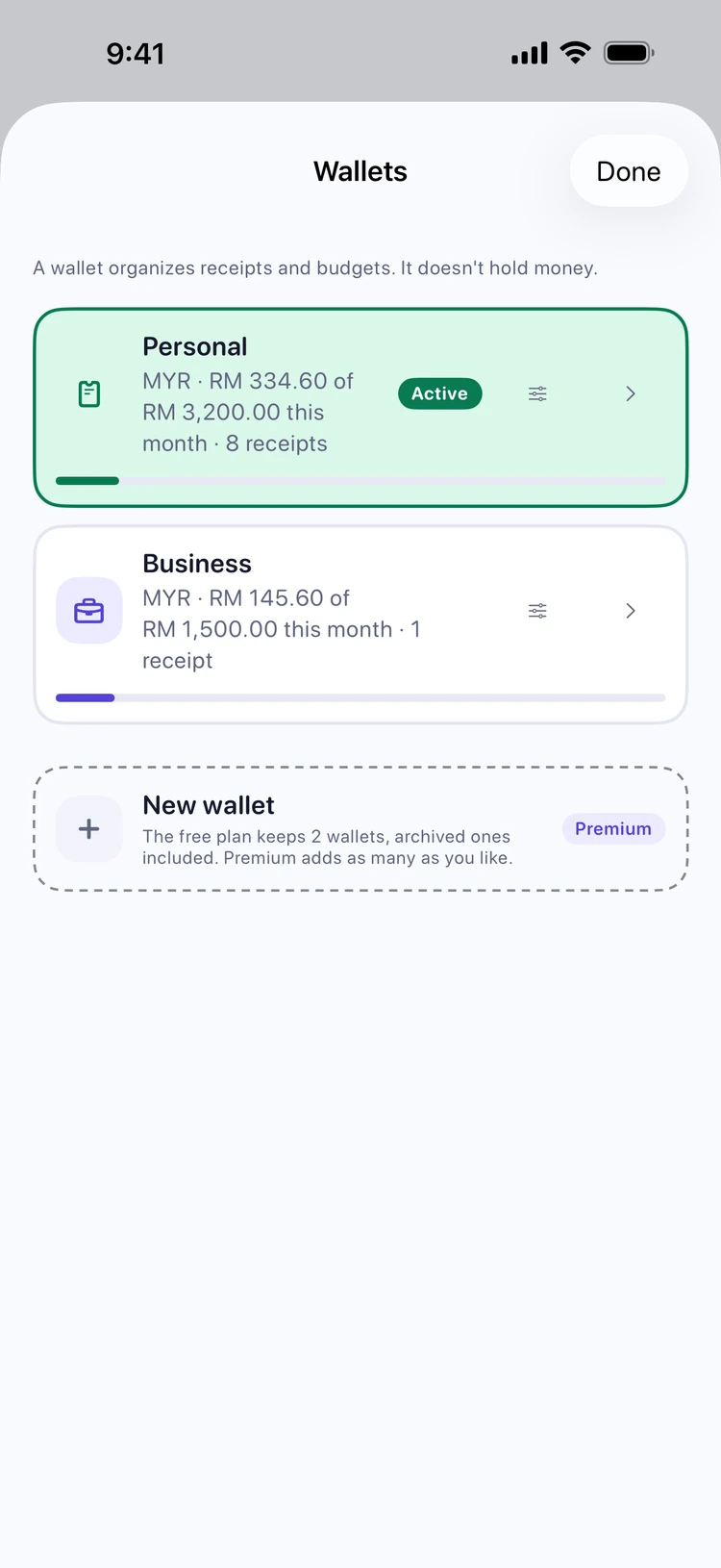
Six moments from the real app: the review where Pip asks instead of guessing, the ledger that knows your pace, the little celebration when a receipt lands — and where it all goes after.
Your receipts are not our business model
A receipt is a record of where you were, when, and what you bought. Pip is built so that record stays yours — not as a policy we promise to keep, but as a thing the software cannot do.
- Receipt photos stay on your device. Our servers have no way to receive an image.
- Before any text leaves your phone, card numbers, emails and phone numbers are stripped out on the device.
- We do not sell your data, show ads, or connect to your bank accounts.
- Sign in with Apple only — you can hide your real email address, and we never see a password.