Manual entry is not a downgrade
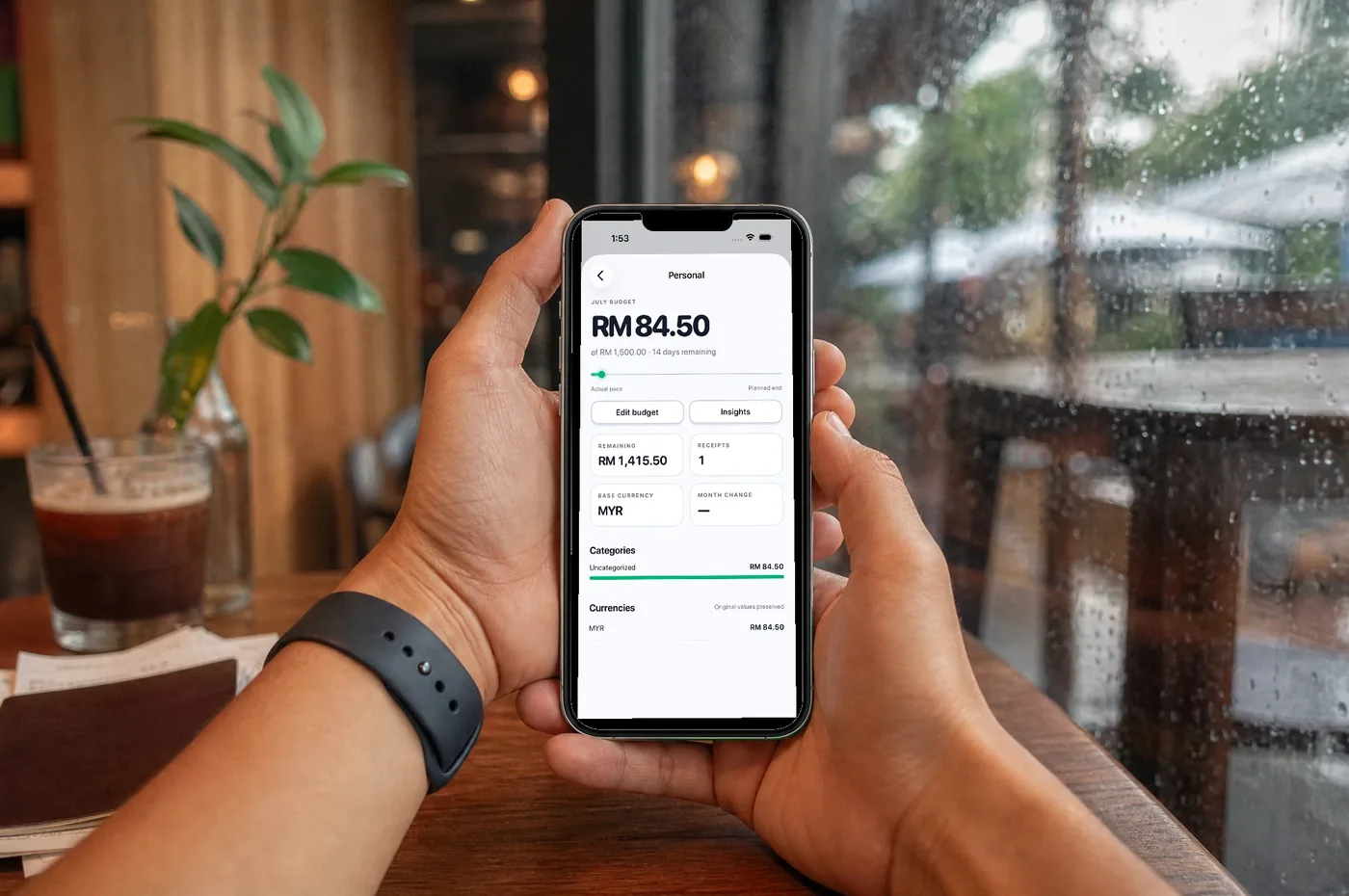
Every feature page on this site talks about AI scanning, so let us spend one post on the button next to it: manual entry. In Pip it is unlimited, free on every plan forever — and deliberately not a second-class citizen.
Who types receipts in by hand?
More people than you’d think, for three good reasons:
- The privacy maximalists. Pip’s scanning already keeps photos on the device and redacts text before interpretation — but manual entry goes further: nothing leaves the phone, ever, because there is nothing to send. If your threat model says no receipt text touches any server, this is your mode, and we built it for you rather than arguing with you. (Where that puts Pip against the alternatives, Apple’s own scanner included, is in the privacy comparison.)
- The receipt-less. The pasar pagi stall, the parking machine, the neighbour’s kuih — plenty of spending never prints a receipt at all. A ledger that only accepts scans has a hole exactly where cash lives.
- The quota-conscious. The free plan’s 30 AI scans cover most households, but a heavy month happens. Manual entry doesn’t count against anything, so the ledger never has to stop.
The old ledger book had one thing right

The handwritten household ledger — every Asian household of a certain generation had one — was slow, but it had a virtue modern apps lost: the person writing it understood every line, because they wrote it. Manual entry keeps that virtue and drops the slowness: merchant, amount, date, a few items if you want them, done in under a minute, with the same wallets, budgets and search as any scanned receipt.
Same ledger, same rights
An entry typed by hand is not marked “lesser” anywhere in Pip. It counts toward budgets, appears in insights, converts currencies at the honest historical rate, exports to your spreadsheet. The app does not nag you to “upgrade” it into a scan.
AI is the fast path, not the only path — and a private app should always leave you a door that doesn’t need anyone’s servers at all.
See both paths in the walkthrough · Download on the App Store