How Pip reads a receipt — and why it asks instead of guessing
Every receipt scanner claims to “read receipts with AI”. Almost none of them tell you what that sentence actually means. Here is our whole pipeline, in the order it runs — including the step where the machine admits what it doesn’t know.
Step 1: your iPhone does the reading
The letters on the receipt are recognised on the device, using Apple’s Vision framework. This is the step most apps do in their cloud, which is why most apps need your photo. Pip doesn’t: the picture never leaves your phone, because the reading happens where the picture already is.
Step 2: the text is scrubbed before it travels
Receipts carry more than purchases — card numbers, loyalty emails, sometimes a phone number. Before anything is transmitted, Pip strips out patterns that look like card numbers, emails, phone numbers and labelled identity numbers, on the device. What travels is a redacted transcript, not your paperwork. The longer version of that boundary — what leaves, what never does, and how other scanners answer the same question — is in what actually leaves your phone and the privacy comparison.
Step 3: an AI turns text into structure
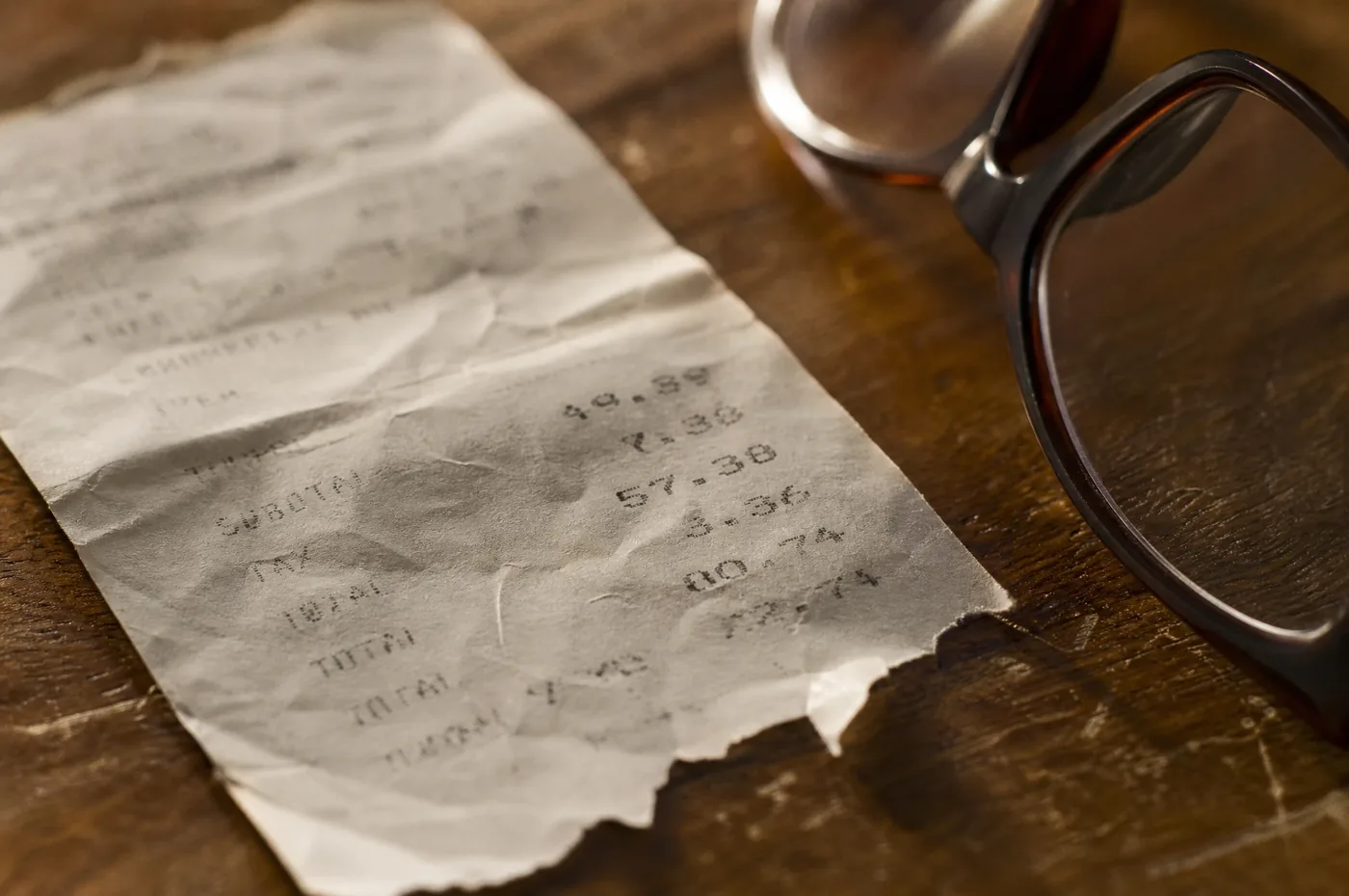
A language model receives the redacted text and answers one question: which line is an item, which number is a price, which is the tax? This is genuinely hard — receipts are crumpled, abbreviated, printed by a thousand different systems — and the model gets it wrong sometimes. Anyone who tells you theirs doesn’t is selling something.
Step 4: Pip checks the arithmetic itself
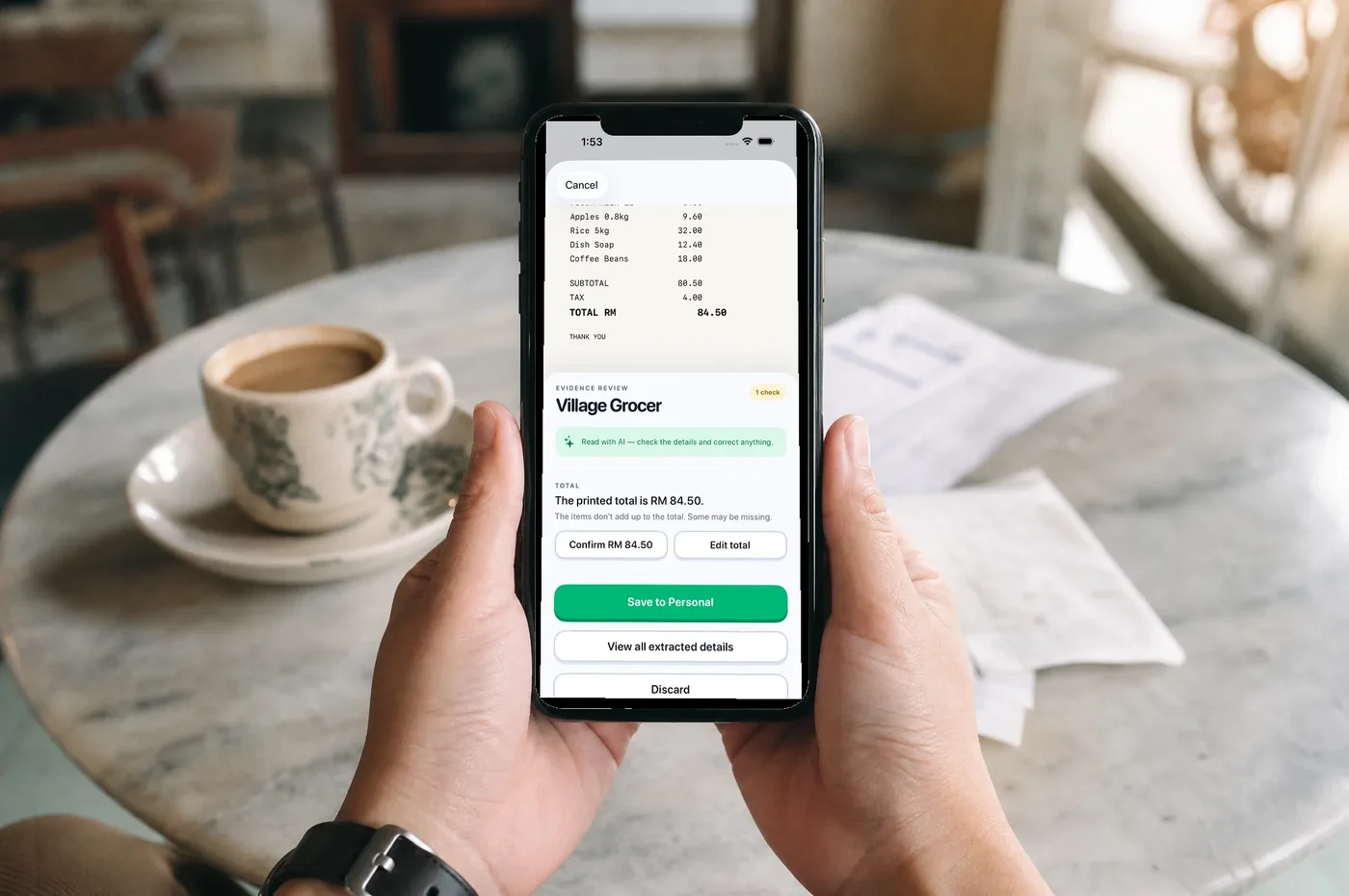
Before you see anything, Pip adds up the extracted items and compares them against the printed subtotal, tax and total. When the maths doesn’t close, it doesn’t shrug — it flags exactly which figure is in doubt.
Step 5: you are the judge, with the evidence in view

The review screen shows the receipt image on top and questions below: “The printed total is RM 84.50 — confirm, or edit?” One tap answers each doubt. What Pip is confident about stays out of your way, one tap deep under “View all extracted details”, and nothing is saved until you say so.
That last step is a design position, not a technical necessity. We could auto-save and be “magical” — until the month your groceries are wrong by RM 40 and you stop trusting the ledger entirely. A record you can’t trust is worse than no record. So the AI does the typing, checks its own work, and shows it — and the judgement stays yours.
See the whole flow in the screen-by-screen walkthrough, or get it on the App Store.